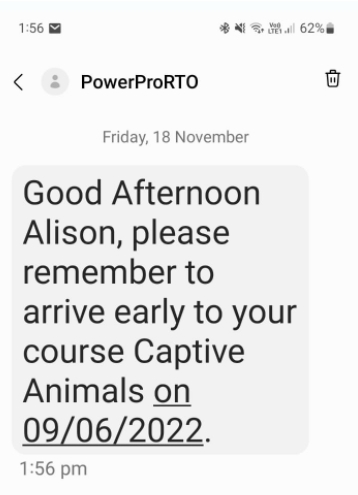
This guide is for using Esendex as your SMS provider
Your clients can see your RTO name instead of a mobile number when receiving sms from your RTO if you would prefer
Follow these steps for setup:
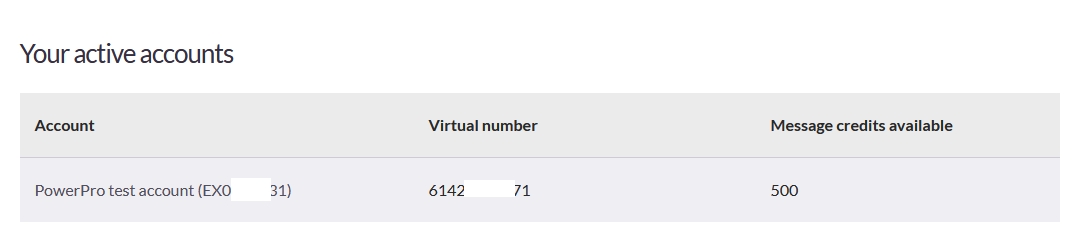
Log into your Esendex account and scroll down to view your active account
Click on the account line
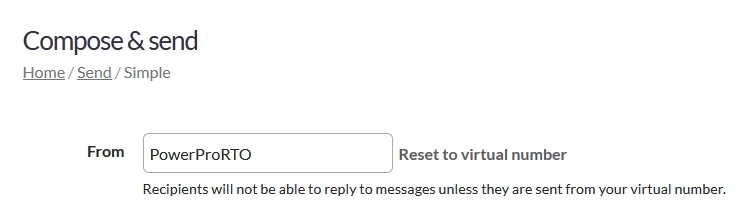
Next you will see the Compose & send area, here you are able to change the From to your RTO name
IMPORTANT: If you have set up your Esendex account to receive replies from clients then you will need to keep the virtual number
SMS received looks like this now with your RTO name instead of a number